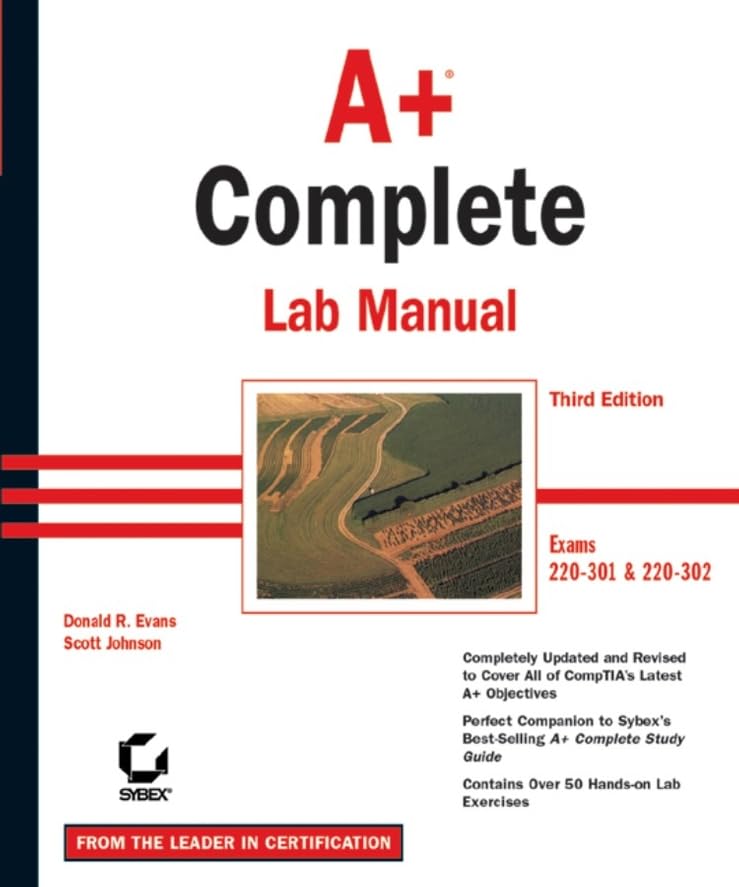

A+ complete lab manual Donald R. Evans, Scott Johnson.
Detalles de publicación: San Francisco Sybex c2003.Edición: 3rd edDescripción: xix, 280 p. ill. 23 cmISBN:- 0782142516
- 22 621.39 E92a3 2003
| Imagen de cubierta | Tipo de ítem | Biblioteca actual | Biblioteca de origen | Colección | Ubicación en estantería | Signatura topográfica | Materiales especificados | Info Vol | URL | Copia número | Estado | Notas | Fecha de vencimiento | Código de barras | Reserva de ítems | Prioridad de la cola de reserva de ejemplar | Reservas para cursos | |
|---|---|---|---|---|---|---|---|---|---|---|---|---|---|---|---|---|---|---|
| Libro | Biblioteca de Mayagüez Colección General mb | QA 76.3 .E93 2003 (Navegar estantería(Abre debajo)) | Disponible | 50000002141827 |
Descripciones mejoradas de Syndetics:
This is an updated edition of Sybex's lab manual for the A+ certification sponsored by CompTIA (Computing Technology Industry Association). A+ certifies the competency of service technicians in the computer industry. Revised exams are due out Q4 of this year. A+ candidates must pass two exams-Core Hardware and Operating System Technologies. The new hardware exam will cover latest memory, bus, peripheral & wireless technology and the new O/S exam will include added coverage of Windows Me & XP.
Includes index.
Tabla de contenidos provista por Syndetics
- Quick Reference(p. vi)
- How to Use This Book(p. x)
- Lab 1 Start Up, Navigate, and Shut Down a Windows System(p. 1)
- Lab 2 CMOS Setup(p. 9)
- Lab 3 Safely Open the Case to Identify Components(p. 15)
- Lab 4 Optimize DOS Memory(p. 23)
- Lab 5 Collect Resource Information--DOS(p. 33)
- Lab 6 Collect Resource Information--Windows 95(p. 37)
- Lab 7 Collect Resource Information--Windows 98(p. 41)
- Lab 8 Collect Resource Information--NT 4.0(p. 45)
- Lab 9 Collect Resource Information--Windows 2000(p. 49)
- Lab 10 Replace a Floppy Drive(p. 53)
- Lab 11 Replace the Hard Drive(p. 59)
- Lab 12 Add a Slave Drive(p. 65)
- Lab 13 Install a DOS Mouse(p. 69)
- Lab 14 Install a Windows Mouse(p. 73)
- Lab 15 Partition a Hard Drive--One DOS Partition(p. 77)
- Lab 16 Partition a Hard Drive--Two Partitions(p. 83)
- Lab 17 Replace a Power Supply(p. 89)
- Lab 18 Remove and Insert Memory(p. 95)
- Lab 19 Remove and Replace a Motherboard(p. 99)
- Lab 20 Resolve an IRQ Conflict--DOS(p. 107)
- Lab 21 Resolve an IRQ Conflict--Windows 95/98(p. 111)
- Lab 22 Resolve an IRQ Conflict--Windows NT 4.0(p. 119)
- Lab 23 Resolve an IRQ Conflict--Windows 2000(p. 125)
- Lab 24 Troubleshoot Hardware Problems(p. 131)
- Lab 25 Install an Operating System--DOS(p. 135)
- Lab 26 Install an Operating System--Windows NT 4.0(p. 139)
- Lab 27 Customize the Windows Desktop(p. 143)
- Lab 28 Use Files and Folders(p. 149)
- Lab 29 Image and Replace a Windows 95/98 Hard Drive(p. 155)
- Lab 30 Install an Operating System--Windows 95(p. 161)
- Lab 31 Install an Operating System--Windows 98(p. 167)
- Lab 32 Install an Operating System--Windows 2000(p. 173)
- Lab 33 Install and Launch Windows Applications(p. 179)
- Lab 34 Install a CD-ROM Drive--DOS(p. 185)
- Lab 35 Install a CD-ROM Drive--Windows(p. 191)
- Lab 36 Install a Sound Card--DOS(p. 195)
- Lab 37 Install a Sound Card--Windows(p. 199)
- Lab 38 Install a Printer--DOS(p. 205)
- Lab 39 Install a Printer--Windows(p. 209)
- Lab 40 Use ScanDisk and Defrag--DOS(p. 213)
- Lab 41 Use ScanDisk and Defrag--Windows(p. 217)
- Lab 42 Create an ERD--DOS(p. 221)
- Lab 43 Create an ERD and Startup Disk--Windows 95/98(p. 225)
- Lab 44 Create an ERD and Startup Disk--Windows NT 4.0(p. 231)
- Lab 45 Create an ERD and Setup Disks--Windows 2000(p. 235)
- Lab 46 Configure and Connect Dial-Up Networking(p. 239)
- Lab 47 Configure a Peer-to-Peer Network(p. 245)
- Lab 48 Troubleshoot Software(p. 251)
- Appendix A Windows 95 Startup Disk Commands(p. 255)
- Appendix B Dos 6.x Commands(p. 260)
- Appendix C Selected Commands Described(p. 264)
Notas de autor provistas por Syndetics
Donald R. Evans is the senior Electronics/Computer Servicing instructor at Solano Community College in Suisun, California. A graduate of Southern Illinois University, he began teaching in 1966, established his first computer lab in 1983, and is now responsible for all of the computer hardware classes taught at SCC.Scott Johnson , A+, i-Net+, MCSE, and MCT, is the Education Program Director for PC Training West, a company that specializes in providing education and training for computer certifications. He brings over two decades of experience with computer systems and networks to the A+ Complete Lab Manual.