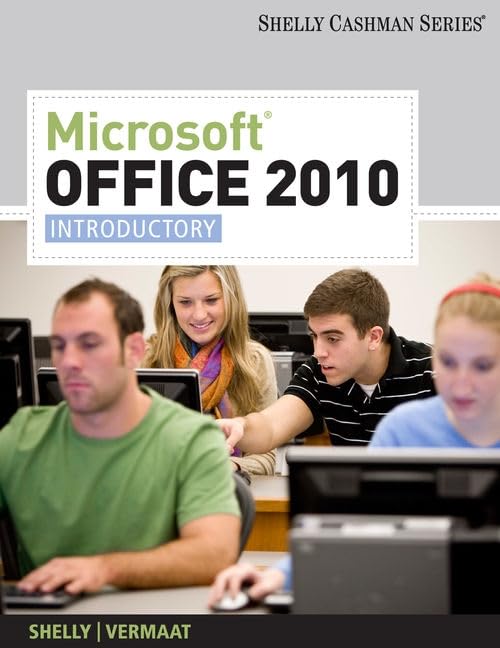

Microsoft Office 2010 introductory Gary B. Shelly, Misty E. Vermaat ; contributing authors, Raymond E. Enger ... [et al.].
Series Shelly, Gary B. Shelly Cashman series ; Detalles de publicación: Boston, MA Course Technology c2011.Descripción: 1 v. (various pagings) col. ill. 28 cmISBN:- 9781439078389 (softcover)
- 1439078386 (softcover)
- 9781439078402 (softcover spiral)
- 1439078408 (softcover spiral)
- 9781439078419 (hardcover spiral)
- 1439078416 (hardcover spiral)
- HF5548.4.M525 S47975 2011
| Imagen de cubierta | Tipo de ítem | Biblioteca actual | Biblioteca de origen | Colección | Ubicación en estantería | Signatura topográfica | Materiales especificados | Info Vol | URL | Copia número | Estado | Notas | Fecha de vencimiento | Código de barras | Reserva de ítems | Prioridad de la cola de reserva de ejemplar | Reservas para cursos | |
|---|---|---|---|---|---|---|---|---|---|---|---|---|---|---|---|---|---|---|
| Libro | Biblioteca de Mayagüez Colección General mb | HF5548.4 .M525 S47975 2011 (Navegar estantería(Abre debajo)) | Disponible | 50000003231874 |
Descripciones mejoradas de Syndetics:
Microsoft Office 2010: Introductory provides a project-based, step-by-step approach to teaching the Office 2010 applications.
eigm 09/2012
Includes indexes.
Introduction to computers -- Microsoft Office 2010 and Windows 7 -- Microsoft Word 2010 -- Microsoft PowerPoint 2010 -- Microsoft Excel 2010 -- Microsoft Access 2010 -- Microsoft Outlook 2010 -- Capstone projects -- Appendix : Project planning guidelines.
Features of this book include: A step-by-step, screen-by-screen approach allowing students to successfully learn and retain information to be used in their personal and professional lives; New opening chapter presents Office 2010 and Windows 7 skills preventing coverage of basic skills in the applications chapters and providing students with a strong base for further learning; Expanded coverage of PowerPoint and Outlook provides a thorough introduction to these applications and gives exposure to the numerous enhancements made to Office 2010; Chapter topic redistribution offers concise chapters that ensure complete skill coverage and lead to more manageable chapters; New pedagogical elements enrich material and create an accessible and user-friendly approach allowing easy navigation through the skills in each chapter. - Back cover.
Tabla de contenidos provista por Syndetics
- Essential Introduction to Computers
- Introduction to Windows 7 and Microsoft Office 2010 Common Elements Chapter
- Word 2010
- 1 Creating, Formatting, and Editing a Word Document with a Picture
- 2 Creating a Research Paper with Citations and References
- 3 Creating a Business Letter with a Letterhead and Table
- Excel 2010
- 1 Creating a Worksheet and an Embedded Chart
- 2 Formulas, Functions, and Formatting
- 3 What-If Analysis and Working with Large Worksheets
- Access 2010
- 1 Creating and Using a Database
- 2 Querying a Database
- 3 Maintaining a Database
- PowerPoint2010
- 1 Creating and Editing a Basic Presentation
- 2 Enhancing a Presentation with Pictures and Shapes
- 3 Reusing a Presentation and Adding Multimedia
- Outlook 2010
- 1 Using Email and Working with Messages
- 2 Managing Your Time Using Calendar
- Web Apps Chapter
- Appendices
- A Project Planning Guidelines
- B Publishing Office 2010 Web Pages to a Web Server
- C Microsoft Business Certification Program
- Capstone, SAM projects